
13 October 2026
BTCC Live Timing: How to Follow Every Lap, Sector and Grid in Real Time
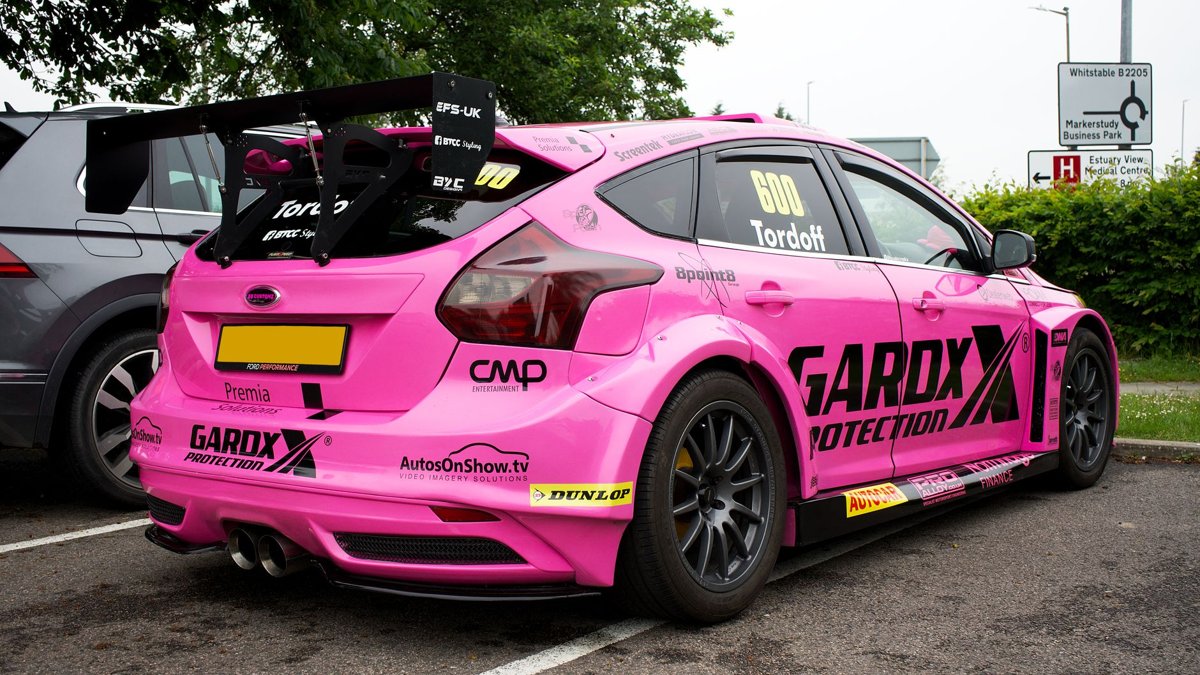
BTCC live timing is published through the official British Touring Car Championship timing portal at tsl-timing.com (TSL is the championship's timing provider), and it is free to use on any phone, tablet or laptop. During each session it shows live lap times, gaps, sector splits, the running order and the chequered-flag classification — updated as the cars cross the line. If you want to know who is actually quickest rather than who is leading on track, live timing is the single most useful screen to have open on a race weekend.
Below is exactly where to find it, what each column means, and how to pair it with the TV or stream so you never miss a crucial lap.
Where to find BTCC live timing
The championship uses TSL Timing for its official results and live timing. On a race weekend, head to tsl-timing.com, find the British Touring Car Championship event for that round, and open the session you want — practice, qualifying or one of the three Sunday races. The feed goes live the moment the session starts and switches to the final classification when it ends.
- Official live timing: tsl-timing.com (search for the BTCC event and date).
- Official site: btcc.net usually links straight through to the live timing and publishes results, points and news.
- On mobile: the TSL page works in any browser — no app required. Bookmark the event page on the Thursday before so it is ready to go.
If you are still working out which rounds to watch and when, our BTCC calendar with every round, date and venue lays out the whole season, and you can cross-check start times on the motorsport calendar.
How to read the BTCC live timing screen
At first glance a timing screen is a wall of numbers. It is actually straightforward once you know what each column is telling you. Here is what you will typically see during a BTCC session.
| Column | What it means |
|---|---|
| Pos | Current position in the session (fastest lap in qualifying, track order in the race). |
| No / Driver | Car number and driver name. |
| Gap / Int | Gap to the leader, and the interval to the car directly ahead. |
| Last | The driver's most recent completed lap time. |
| Best | Their fastest lap of the session so far. |
| S1 / S2 / S3 | Sector times. Purple means fastest of anyone in that sector; green means a personal best. |
| Laps | Number of laps completed — handy for spotting who is light on fuel or running longer. |
| Pit | Flags when a car is in or has visited the pits. |
The colour coding is the quick-read secret. Purple is the overall fastest sector or lap in the session; green is a personal best; white is a normal lap. When you see a string of purple sectors appearing, someone is on a flyer — that is the moment to watch the stream.
Why BTCC live timing beats watching the TV alone
Touring car racing is famously close, and the broadcast can only show you a few cars at once. Live timing fills in everything the camera misses:
- Qualifying order as it happens. BTCC grids are tight — tenths separate half the field. Timing shows you who has banked a time and who still has a lap to improve.
- The real race pace. Success ballast means the leading cars carry extra weight, so the car in front is not always the fastest. Watch the lap times and you can predict who will catch whom.
- Pit strategy on the softer tyre. When drivers must run the option tyre in one race, the gaps and lap-time drop-off tell the story before the commentators get to it.
- Battles down the order. The TV follows the leaders; timing lets you track your favourite driver wherever they are in the pack.
Tip: run the stream on your main screen and live timing on your phone. You will spot a safety car, a spin or a charging car a lap before it shows up on camera.
Using live timing on a BTCC race day: a quick routine
- Before qualifying, open the TSL event page and check the session is listed and timing is live.
- In qualifying, sort by best lap and watch the final five minutes — that is when the grid is really decided.
- On the grid, note who is starting on which tyre if that round has an option-tyre rule; it changes everything.
- During the races, keep an eye on the Int column for closing gaps and the sector colours for who has pace in hand.
- After each race, the classification updates to the official result, including any post-race penalties — so check back before celebrating.
Watching a BTCC round in person
Live timing is just as useful trackside. Mobile signal at busy circuits can be patchy, so load the event page while you have a good connection and refresh between sessions. Many fans bring a small power bank for exactly this reason — a day of refreshing timing drains a battery fast.
If you are planning which round to attend, you can filter circuits and check start times, prices and gates on the full UK motorsport event list, and use the interactive event map to find a venue near you. Tempted to go beyond spectating? Our guides on getting a clubman licence and UK race schools cover the first steps.
Frequently asked questions
Is BTCC live timing free?
Yes. Official BTCC live timing via TSL Timing is free to access in any web browser. You do not need a subscription or an app — just open the event page on tsl-timing.com during the session.
Does BTCC live timing work on a phone?
It does. The TSL timing page is mobile-friendly and runs in any browser. Bookmark the specific event page before the weekend, and keep a power bank handy if you are following along trackside where signal and battery can both suffer.
Why is the leader not showing the fastest lap times?
Success ballast. BTCC cars carry extra weight based on championship standings, so a front-running car is often heavier and slower over a lap than a car behind it. That is exactly why live timing is worth watching — the lap times reveal the real pace behind the running order.
Where can I see the final BTCC results and grid?
The same TSL timing page switches to the official classification when a session ends, including any penalties applied afterwards. The official btcc.net site and our BTCC calendar also publish results and the running order for each round.
The bottom line
BTCC live timing turns a close, chaotic touring car weekend into something you can actually read. Open the official TSL feed alongside the broadcast, learn the purple-and-green colour code, and you will see the strategy, the ballast effect and the battles unfolding in real time. Line up your rounds first with our season calendar, then let the timing screen do the rest.
Looking for an event? Browse every UK motorsport event, see the calendar.